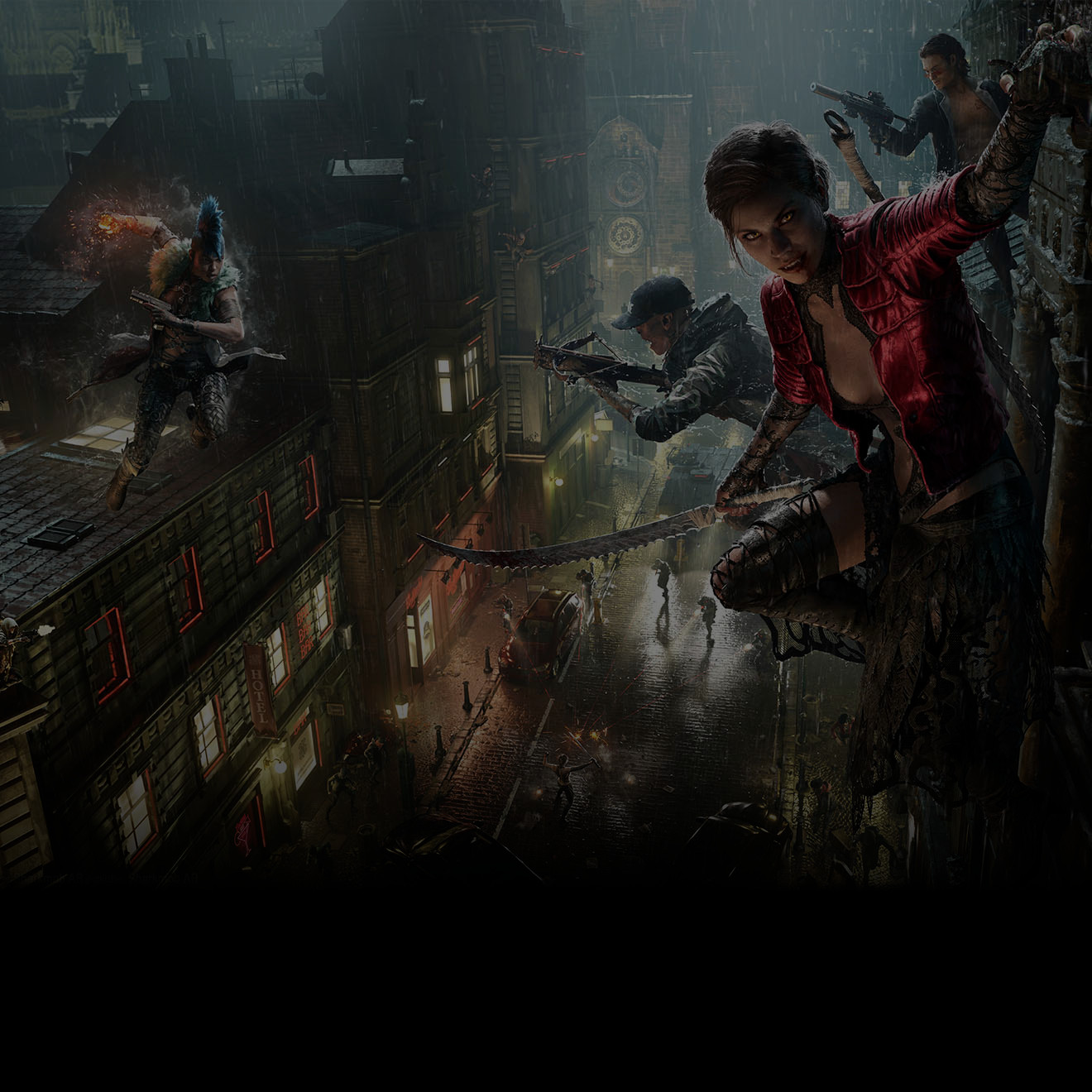
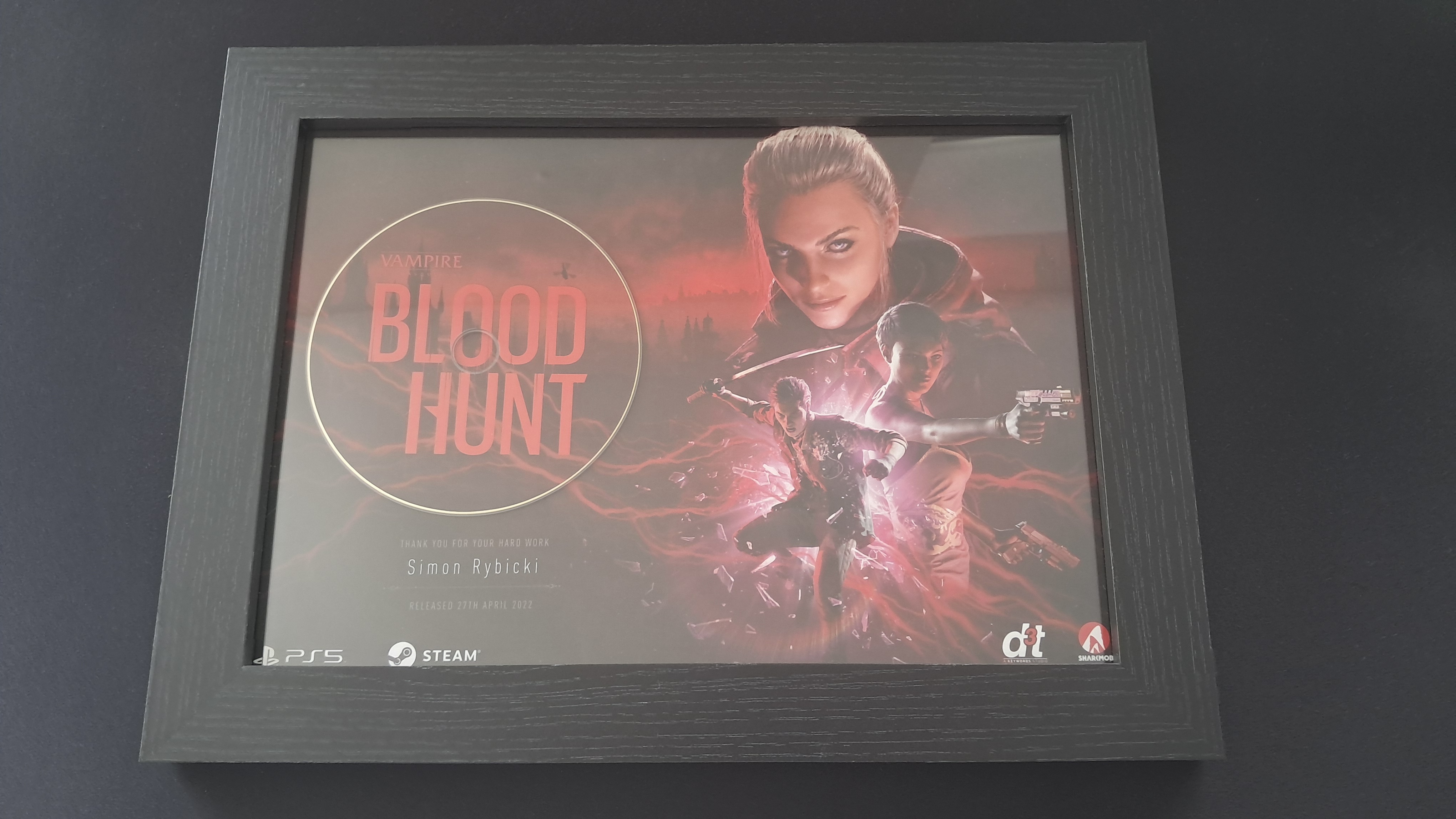
Vampire: The Masquerade – Bloodhunt
Online Battle Royale
Engine: Unreal Engine 4
Release: April 2022
Platforms: PlayStation 5, PC
Website: Bloodhunt
Project Experience
- Getting familiar with the processes in developing a large scale game in UE4
- First introduction to source control using Perforce
- Working on the game results screens alongside a technical artist
- Working on a highlighting effect for interactable objects
- Optimising the game object network updates within chucks setup across the whole map
- Implemented a new collectible system that players can interact with during the main game loop
- Working on the UI for the Journal menu. A place to display map location and item descriptions
- Developing a custom UE data asset for designers to setup new journal entry objects
- Working on a weapon and item 3D viewer in the Journal menu
- Working on the in game notification system and linking that to the Journal
- Working on a prototype mission planning table in the player lobby
- Working on a prototype grapple weapon
- Attending weekly play test sessions and provided feedback via player experience surveys
- First introduction to the PlayStation 5 dev kit
- Working with the QA team to diagnose issues with the gameplay logic
- Reviewing other team member’s changes in blueprints and C++ code
- Presenting in the monthly development progress update meetings
- Teaching blueprints to technical artists with limited experience in UE4
- Entering a competition and winning an award for finding the best hiding spot in Prague
Biggest Challenge
Towards the end of the project, a time critical task was assigned to our team. This involved coming up with an elegant solution to being able to navigate in the game menus and sub menus with a gamepad. The game did not pass the QA verification process and TRC related to UI/UX for PlayStation. Our team needed to quickly come up with a solution to vastly improve the current navigation input when using the PlayStation 5 controller. This was originally setup to control a cursor on screen with the left analogue stick. It was very tedious to navigate around in the game menus. The user would need to move and aim the cursor over the menu tab or button.
Our solution was to create a node based system that could be embedded into the existing UI widgets on the menu screens. This system would allow for each part of the interactive UI elements, to have a navigation node already assigned. Each node element has multiple properties. These included a priority number, a list of storing neighbouring nodes, and a flag to enable or disable the node. The UI designers were able to quickly use these new node settings for each screen in the Unreal Editor. The way it functioned was that the cursor would now snap to these invisible nodes, and be positioned on this next intractable UI element. This completely solved the navigation problem, and the game passed the verification test after the resubmission.